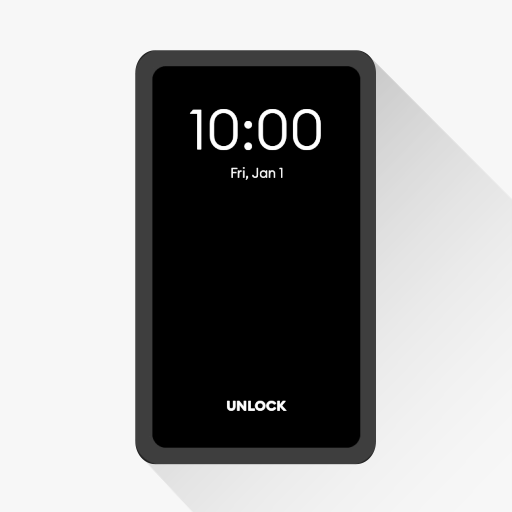
Black Screen: video screen off
By jApp
 US·en-US
🎬 Play videos with screen off using Black Screen, a lightweight black screen overlay for Android that lets audio keep playing while your display turns black. Enjoy an audio-only mode experience for music videos, podcasts, streams, and long playback sessions. 🔋 Battery saver for AMOLED & OLED Black Screen displays pure black, which can help reduce power usage on AMOLED and OLED devices (black pixels draw little to no power). It’s a simple way to save battery while listening. 🕶️ Privacy Mode (Peep Protection) In public? Enable Privacy Mode to instantly hide on-screen content and prevent shoulder-surfing — while the app underneath keeps running. ⚡ One-tap Screen Off with Floating Button Use the floating button to turn the screen black anytime. Tap to return quickly — perfect when you want to keep audio playing without the bright display. ✨ Best uses • Play videos with screen off (audio continues) • Listen to podcasts or music with a black screen overlay • Watch live streams while reducing glare • Night mode comfort, less brightness in dark rooms • Record videos / take selfies with display black (device support may vary) ✅ Key Features • Floating Button: Quick toggle for black screen / screen off • Pure Black option: True black overlay for AMOLED/OLED • Battery saver: Helps reduce display power usage on compatible screens • Privacy Mode (Peep Protection): Hide content instantly in public • Pocket Mode: Prevent accidental touches (no ghost taps) • Always-On Display option: Keep essential info visible while black screen is active • Customizable: Adjust styles, button, and display options 🧭 How to use 1) Start a video, podcast, or stream 2) Open Black Screen and tap Start 3) Use the Floating Button anytime to enable screen off / blackout 4) Tap to return to your app 5) Open Black Screen and tap Stop to disable ⚠️ Important Black Screen is not a lock-screen app. It’s a black screen overlay shown on top of the app you’re using. This helps reduce screen brightness/activity and can help save battery on AMOLED devices. 🚀 Try Black Screen for a cleaner screen off experience — listen more, glare less, save battery.
Top 10 Black Screen: video screen off competitors
Ranked by the keywords they share with Black Screen: video screen off. Hover any chip to see what each app ranks for.





Keywords Black Screen: video screen off is built around
Want to beat these competitors?
Sign up and Applyra will automatically add Black Screen: video screen off to your dashboard. Track keyword rankings, monitor competitors, and get AI suggestions to outrank them.
Frequently asked questions
How are Black Screen: video screen off's competitors found?
We read the keywords Black Screen: video screen off's own store listing targets, run those searches live on Google Play (US), and rank the apps that keep showing up alongside it. The store's own "Similar apps" signal adds confidence.
What keywords is Black Screen: video screen off built around?
Black Screen: video screen off revolves around search terms like black screen, video screen off, play video screen off, black screen overlay, screen off audio, amoled battery saver, audio only video, screen off youtube. These are the queries we used to surface the apps it competes with.
How often is this competitor list updated?
It refreshes regularly from live Google Play data. Create a free Applyra account to track Black Screen: video screen off and these competitors every day, with keyword rankings and ASO Health scores.
Analyze another app
Drop a different App Store or Google Play URL.