On March 3, 2026, an indie iOS dev in the UK opened the App Store, searched for their own app, and watched a sponsored result land at position three. Their app, which had been ranking fourth organically all year, was now showing seventh on the screen. There was no email, no dashboard alert, no setting to turn off. Just a quiet 30 to 40% drop in visibility, baked into the layout.
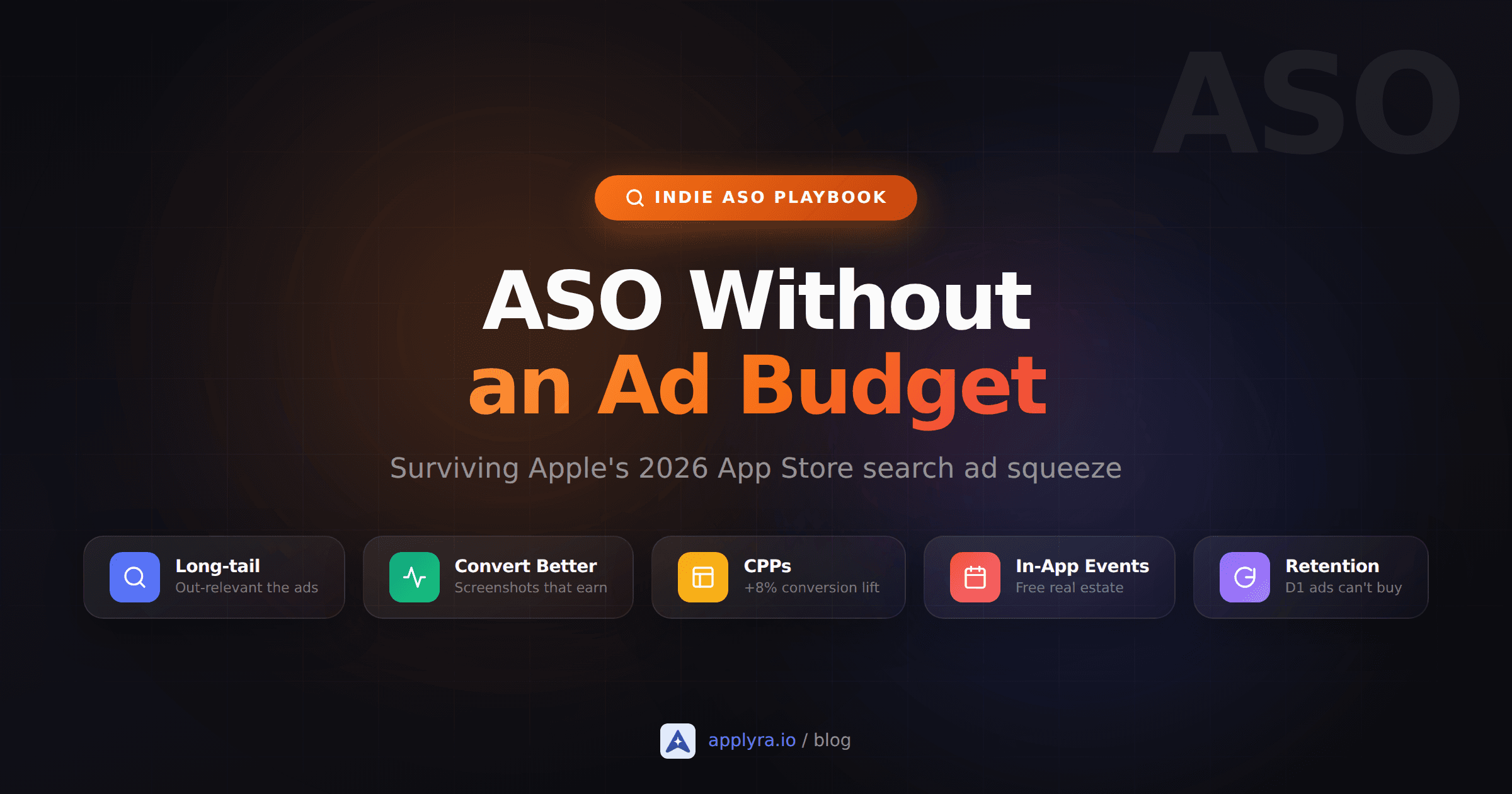
That is the new shape of App Store search, and if you can't write a five-figure check to Apple Ads every month, the only path forward is doing ASO without an ad budget, harder and smarter than before.
What you'll learn
- Exactly what changed in Apple's search results layout in March 2026
- Why outbidding Apple Search Ads is not a realistic indie option
- A long-tail keyword playbook designed for the new SERP
- Conversion and retention tactics that compound when you have no media spend
- A concrete week-one checklist you can run before the next visibility dip
What actually changed on March 3, 2026
Apple started rolling out multiple search ad placements on March 3, 2026, beginning in the United Kingdom and Japan, and finishing the global rollout across all Apple Ads markets by the end of that month. Before, you saw one sponsored slot at the top of every search query. Now sponsored apps are interleaved further down the page, with the first new placement landing at position three on iPhones and iPads running iOS 26.2 or iPadOS 26.2 and later.
That single placement change matters more than it sounds. Positions two and three used to be almost entirely organic. They were the first results a user saw without scrolling. An ad slipped into position three pushes everything below it down a row on a screen that already cuts off after the second result on a small phone.
Apple's algorithm decides which ad goes where. Advertisers cannot bid for a specific slot. Existing search campaigns became eligible for the new positions automatically. Cost-per-tap (CPT) and cost-per-install (CPI) pricing stayed the same. From the user's perspective, three sponsored apps now hover near the top of a query that used to surface two organic ones.
Klemens Strasser, who built the App Store Award winner Art of Fauna, summed up the indie reaction on X in one phrase: "bad news for smaller developers." That is not catastrophizing. It is the structural reality.
Why bidding back is not the answer
The instinct, when ads eat your search position, is to buy that position back. Run the numbers and that strategy falls apart for almost every indie.
AppTweak's most recent Apple Ads benchmarks put the global median CPT around $0.92 and the United States average closer to $1.91. Both of those figures hide enormous category variance. Sports apps pay around $14.41 per tap. Finance apps sit around $6.06. Medical, around $4.45. A "tap" is just a click on your ad. The actual install happens on the next page, after the user reads your screenshots and reviews. Your tap-to-install conversion is rarely above 50%, often below 30%, which doubles or triples your real cost per install.
$1.91
average Apple Ads CPT in the US
$14.41
CPT for Sports category
$6.06
CPT for Finance category
65%+
of downloads still come from organic search
Run that against an indie's reality. A solo founder shipping a $2.99 utility, or a $4.99 monthly subscription with a 30 to 40% trial-to-paid rate, simply cannot pay $3 to $6 to land a single install. The unit economics break before you even talk about retention. The developers who can profitably run Apple Search Ads at scale are the ones with venture funding, mature LTV models, or a paid acquisition team. That is not the audience reading this.
The good news is that the squeeze does not change the most important number in the funnel. Industry research consistently puts 65 to 70% of all App Store downloads as originating from organic search. Apple did not turn off organic search. Apple just made the top two organic positions harder to reach. So your job is to win positions you can still reach, on queries where ads are less aggressive, with a product page that converts harder.
Long-tail keywords: ASO without an ad budget in practice
Apple Ads bidders crowd around the same head terms. "Photo editor". "Budget app". "Workout tracker". Those auctions get expensive fast and they are exactly where the new ad placements hurt organic rankings the most.
Long-tail queries are the opposite. They have lower volume per keyword but they convert dramatically better, they face thinner ad competition, and there are vastly more of them. "Remove background from photo without subscription" is not a head term any agency is bidding on, but a user searching it is two steps from installing. App store search follows a power-law distribution, and the long tail collectively accounts for roughly half of all searches.
We put numbers on the trade-off across 800,000 keyword-market pairs. On the App Store, median difficulty falls from 37 for a single word to 25 for two and 19 for three. Traffic falls faster: on Google Play it goes from 54 for a single word to 14 for two. So long-tail is not free volume, and it is not a blanket rule either. The band that pays is two words, where the difficulty discount is real and somebody is still typing the phrase. Push to five and you mostly buy silence.
A practical workflow that works on the free tier of any modern ASO tool:
- Start with one core problem your app solves, phrased the way a user would describe it to a friend. "Track running splits without a watch". "Journal mood offline". "Convert RAW photos to JPEG on iPhone".
- Expand into modifiers that signal real intent: for runners, no subscription, offline, for freelancers, for college students, with widgets, minimal, privacy-first.
- Validate each phrase by searching it in the App Store yourself. If five generic apps come up, the slot is contested. If three or four results are clearly off-topic, you found an under-served query. Applyra's keyword difficulty tool scores any phrase on both stores without an account, which beats eyeballing a results page.
- Place the winning phrases across your title, your subtitle (this field is gold), the iOS keyword field, the first line of your description, and the captions on your first two screenshots. Apple's OCR has been indexing screenshot text since 2025, so those captions are real metadata.
- Track positions weekly, not just rankings on head terms. The long tail is where you will see early wins.
The single biggest mistake in this workflow is treating the iOS subtitle as a tagline. It is a 30-character keyword field that ranks. "Track. Plan. Grow." ranks for nothing. "Habit tracker for runners" ranks for "habit tracker", "runner habit", "tracker for runners", and a long list of compounds. Pick keywords, not poetry. If you are still making this mistake along with a few others, the 10 ASO mistakes indie developers make post is worth a read.
Out-convert the ads on your product page
Apple's algorithm rewards conversion rate. So does every paid acquisition channel you might run later. Squeezing more installs out of the same impressions is the single highest-leverage move when traffic is shrinking.
The benchmarks are sobering. App Store conversion from product page view to install averages around 25 to 33%, but it ranges from under 5% in entertainment to well above 50% in business and navigation. If you are at 18% and your category average is 35%, doubling your install rate is a more realistic short-term lever than doubling your traffic.
Three places to focus, in order of impact:
Screenshots. Users decide in roughly seven seconds. The first two screenshots above the fold do almost all the work. Treat them as conversion assets, not decoration. Hybrid captions (a benefit-led headline plus a visual cue) outperform raw UI captures in nearly every ASO A/B test you can find. Lead with the outcome, not the feature: "Plan a 5K in five taps", not "Workout planner screen".
Custom Product Pages (CPPs). Apple raised the CPP limit from 35 to 70 in October 2025, and since July 2025 you can wire CPPs directly to keywords so they surface in organic search. AppTweak's case data puts the conversion lift around 8% for games and 6.6% for non-gaming apps when CPPs are properly matched to search intent. That is a free bump in conversion you can ship in an afternoon. Build one CPP per major long-tail cluster: one for "for runners", one for "for freelancers", one for "offline only".
The first line of your description. This is the only line a user sees without tapping "more". On iOS it is also weighted heavily by the new LLM-augmented search ranking models Apple shipped in 2025. Restate your positioning sentence here, not your boilerplate "Welcome to MyApp!".
A useful constraint when reviewing your own page: open it on a phone, hold it at arm's length, and read it for five seconds. If you cannot tell who the app is for and what it does, your conversion rate is leaving money on the table.
Conversion compounds when traffic shrinks
A 5-point conversion lift on the same number of impressions is identical, in installs, to a 25% increase in traffic at a constant rate. When ads are eating your traffic, conversion gains are the cheapest and most permanent way to fight back.
Retention is the ranking weapon ads cannot buy
Apple's ranking model has quietly leaned harder on engagement signals in the last two years. Day-one retention, session length, weekly active users, and rating velocity all feed back into how often your app surfaces in browse, search suggestions, and editorial collections. Ads can buy you an install. Ads cannot buy a 30-day retention curve.
Two specific tactics indies underuse:
In-App Events. Apple's In-App Events show up in search results and editorial surfaces, and they are tied to keyword-level relevance. Two to four events per month, with descriptive event names, give you extra real estate without writing a new app. A weekly themed challenge in a habit tracker, a seasonal preset drop in a photo app, or a content update tied to a real-world event are all fair game.
Active churn-fighting in the first 72 hours. D1 and D7 retention are the engagement signals Apple's models can read most cleanly. A simple onboarding cleanup, one well-timed local notification, and a clear empty state on day one can move D1 by 5 to 10 points on most apps. That delta shows up downstream in store rankings and in editorial visibility you cannot pay your way into.
If you are starting cold and want a single dashboard that ties keyword tracking, visibility, and competitor moves together without enterprise pricing, Applyra's free plan gives you one app and unlimited tracked keywords for $0. The full Unlimited plan is $9.99 per month if you need more, but the free tier is enough to run the playbook above.
A one-week recovery plan if your traffic dipped in March
If you noticed a download dip in late March or April, here is a sequence you can run in seven focused days, none of which requires new media spend.
Day 1. Pull your last 90 days of impressions and units from App Store Connect. Identify the queries where you lost the most ground after March 3. That is your priority list.
Day 2. Rewrite your subtitle to target your strongest long-tail phrase. Push your old subtitle wording into the description's first paragraph if it still serves your positioning.
Day 3. Audit your first two screenshots. Replace the most generic one with a benefit-led caption that names the user.
Day 4. Build one Custom Product Page for your top long-tail cluster and link it to the matching keywords in App Store Connect.
Day 5. Schedule two In-App Events for the next 30 days. Keep the names keyword-aware.
Day 6. Fix the leak in your D1 retention. Even one improvement (skip-to-value on day one, a single relevant push) compounds.
Day 7. Set a weekly recurring 30-minute slot to track keyword positions and conversion. The squeeze is permanent. Your reaction loop has to be too. For the broader picture beyond this seven-day reset, the complete ASO guide for indie developers walks through the rest of the funnel.
The developers who lose ground from here are the ones who treat ASO as a launch task instead of a quarterly habit. The squeeze raised the floor on the work, not the ceiling on the outcome. ASO without an ad budget is not a downgrade from paid acquisition. It is the only growth lever that compounds month over month, and a focused indie who runs this loop for two quarters will outrank a competitor that bought twelve months of ads and stopped tuning their listing.
Frequently asked questions
Did Apple's March 2026 ad expansion kill organic ASO?
No. Organic search results moved further down the page, but they still drive a meaningful share of installs, especially on long-tail intent queries where ads are less competitive. The squeeze raised the bar; it didn't close the channel.
Can indie apps still rank without paying for Apple Search Ads?
Yes. Indies win on intent matching: niche, specific queries where bigger apps don't compete because the search volume is too small for them. Building a metadata stack around 30 to 60 long-tail terms is more sustainable than fighting head-to-head on broad keywords.
What is a long-tail keyword in ASO?
A search query with three or more meaningful words that expresses a clear intent, like "offline habit tracker no subscription" instead of "habit tracker". Lower volume, much higher conversion, far less ad competition.
How important is conversion compared to keyword rank?
Equally important. A page-1 ranking with a 1% conversion rate sends fewer installs than a page-2 ranking with 6%. Conversion (icon, first screenshot, subtitle) is the multiplier on every keyword you rank for, so it's the highest leverage area for indies.
Which free tools help track keyword rankings without an ad budget?
Applyra has a permanent free plan that includes daily keyword rank tracking on iOS and Android. App Store Connect's Search Ads dashboard gives you keyword popularity scores even if you don't run ads.
Ready to optimize your app?
Start tracking keywords and improving your app visibility on both stores - free, no credit card required.