Apple shipped 35 free organic-search slots into your App Store Connect dashboard in July 2025, then quietly doubled them to 70 in October. Most indie devs still treat custom product pages as a paid-acquisition feature for marketing teams running Apple Ads. They are not, not anymore, and the gap between what changed and how indies use it is the biggest unclaimed ASO lever heading into WWDC26.
This post is the realistic playbook for a solo dev with one app and 30 minutes a week. Which keywords actually deserve a custom product page, how to plan five pages instead of seventy, and what to ship first.
What you'll learn
- What changed for custom product pages in 2025 (the two updates indies missed)
- What you can actually customize per page, and what stays locked
- Why "ship 70 CPPs" is the wrong frame for an indie, and what to do instead
- A one-weekend workflow to pick your first five pages and assign keywords
- The constraints that bite (and why one CPP cannot rescue a keyword you don't already rank for)
What changed for custom product pages in 2025
Custom product pages have existed since iOS 15 in 2021. For three years they were a paid-traffic feature: you spun up a page targeting "users who came from a TikTok ad about wedding planning" and matched the screenshots to the campaign. Apple Search Ads, Meta, Google. That's where they paid back.
Two changes in 2025 broke that frame.
The first landed at WWDC25 in June and rolled out on July 30, 2025. You can now assign keywords from your existing keyword field to a specific custom product page. When your app ranks for one of those keywords, the matching CPP can replace your default product page in organic search results. Same ranking, different landing experience. No ad spend involved.
The second landed on October 29, 2025: Apple doubled the per-app limit from 35 custom product pages to 70.
Stack those two together and the math flips. Custom product pages went from "advanced paid-acquisition tool" to "free organic conversion lever you should ship before your next major update." Industry analyses called CPPs the single biggest ASO development of 2025. The only catch is that most indies still don't have a single one published.
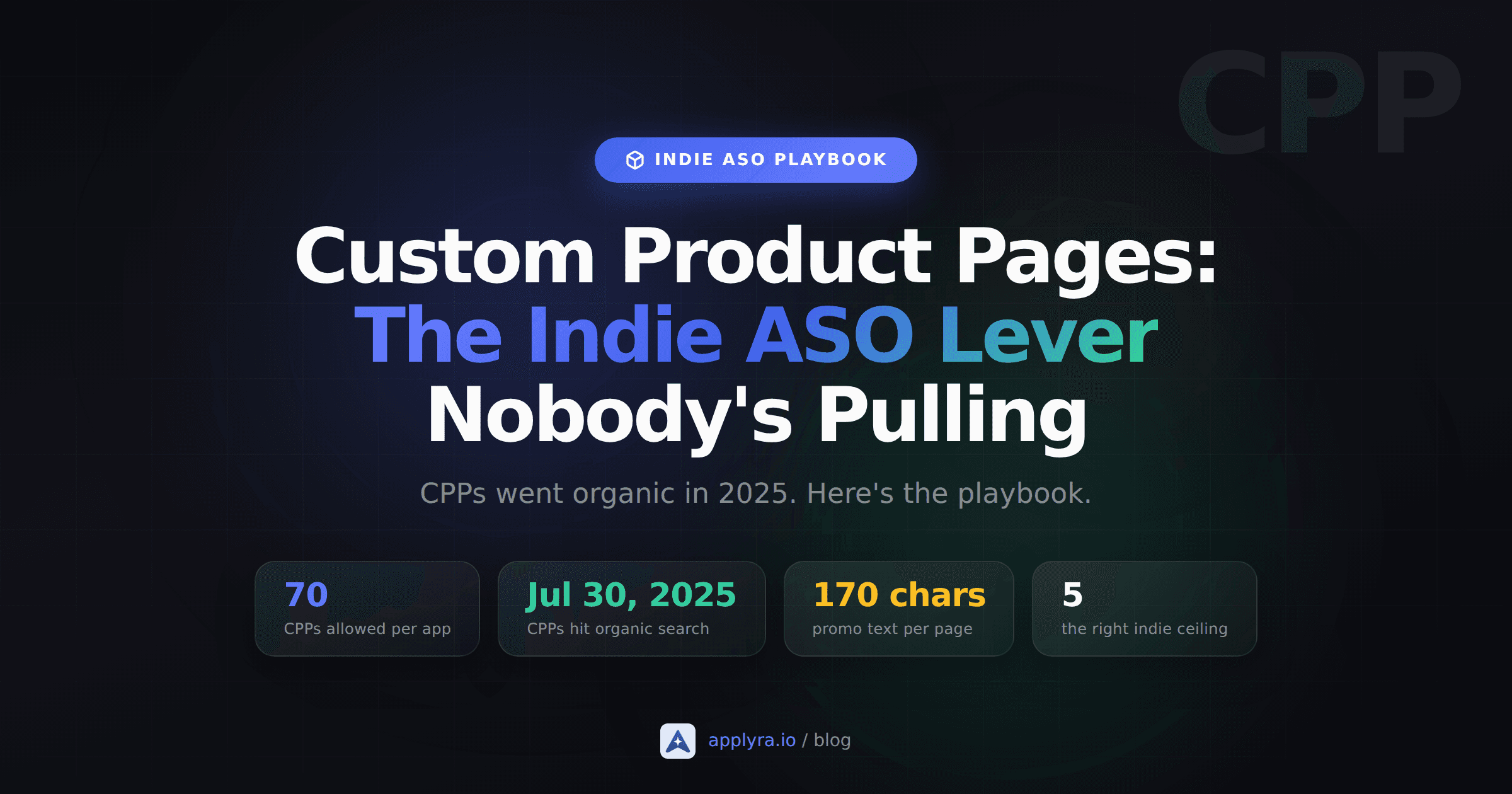
70
custom product pages allowed per app
Jul 30, 2025
CPPs went live in organic search
Oct 29, 2025
limit doubled from 35 to 70
170
characters of promo text per CPP
What you can actually customize on a CPP
Before you plan anything, internalize what is and isn't editable. This is where most blog posts go vague and most indies waste a weekend.
Per custom product page you can change:
- Screenshots (up to 10 per locale)
- App preview videos (up to 3 per locale)
- Promotional text (170 characters, editable any time without resubmitting the binary)
Per custom product page you cannot change:
- App name
- App icon
- Subtitle (the 30-character one)
- Long description
- Keywords field (the 100-character backend one)
- Category, age rating, in-app purchase listing
That last point matters and is buried in most guides. A CPP is not a second listing. It's a different visual front for the same listing. Anyone who lands on a CPP through search sees your default name, icon, and subtitle, then your custom screenshots, custom video, and custom 170-character promo text above the fold.
Each CPP also goes through App Review independently of your app binary. In practice that means same-day or 24-hour turnaround, much faster than a full version submission, and you can iterate on a CPP without touching your release branch.
Why "ship 70 CPPs" is the wrong frame for an indie
Every existing CPP guide is written for marketing teams. The advice reads like one CPP per geo, one per device, one per campaign creative variant, one per influencer cohort. That logic optimizes for ad-channel attribution and assumes a person whose full-time job is running ads.
You don't have that person. You have one app, one weekend a month for ASO, and a 100-character keyword field already half full of reasonable bets. So flip the frame.
Think in clusters, not keywords. A cluster is a group of related queries a single screenshot story can serve. "Habit tracker for runners," "running habit app," "tracker for runners," and "running streak app" share enough intent that one CPP with two runner-themed screenshots and a 170-character promo line about training streaks will beat your default page on all of them. That's one CPP doing the work of four.
Five well-chosen clusters covers most of the upside. Twenty starts hurting because you're A/B testing nothing, you're spread across pages you never measure, and Apple Review queues stack up. Five is the right ceiling for round one.
The shape of the playbook becomes:
| Stage | Goal | Number of CPPs |
|---|---|---|
| Round 1 (week 1 to 4) | Cover your top five organic clusters | 5 |
| Round 2 (month 2 to 3) | Add seasonal or event-driven pages | 2 to 3 |
| Round 3 (quarter 2 onward) | A/B variants of your winners | 2 to 4 |
You'll be at ten CPPs by month four. The remaining 60 slots are not aspirational backlog. They're insurance for the day you actually need them, which for most indies is never.
How to pick your first five: a one-weekend workflow
The hard part isn't building a custom product page. The hard part is choosing which five queries deserve one. Here's a sequence that fits in two focused half-days.
Saturday morning. Inventory your real ranking surface.
Open App Store Connect and pull your Search impressions and conversion data from the last 60 days. Sort by impressions descending. Ignore branded queries (your app name, your developer name) because a CPP will not move that needle. The keywords you care about are the non-branded ones with at least 200 monthly impressions where your conversion to install is below your overall average.
Those are the queries where users find you, look at your default page, and bounce. That's exactly the asymmetry CPPs were redesigned to fix in 2025.
Saturday afternoon. Cluster.
Group the keywords from the first step into clusters of two to six related queries. A cluster passes the bar when all keywords share a) the same user intent, and b) the same screenshot story you'd tell. "Photo editor without subscription" and "free photo editor" cluster cleanly. "Photo editor" and "video editor" do not.
Aim for five clusters total. If you only get three, that's fine and probably more honest. If you get fifteen, you're not clustering, you're listing.
Sunday morning. Draft the screenshot stories.
For each cluster, write three things on paper before opening Figma:
- The headline benefit a user searching this cluster wants. Not your tagline, theirs.
- The 170-character promo text, with the cluster's primary keyword in the first 40 characters. That's the part above the "more" tap on a small screen.
- The first two screenshot captions. These are the ones above the fold. Lead with outcome, not feature.
If you can't write those three things in 10 minutes for a cluster, the cluster is too vague to deserve a CPP yet.
Sunday afternoon. Ship.
Build the screenshots and promo text for one CPP at a time. Submit each one for review. In App Store Connect, on the custom product page screen, assign the keywords for that cluster from your existing keyword field. Publish.
One reminder: you can only assign keywords that are already in your 100-character backend keyword field on your latest approved version. If your top cluster's primary keyword isn't there, you have a metadata problem first and a CPP problem second.
The constraints that bite
A custom product page is a conversion lever, not a ranking lever. That distinction is the single most misunderstood part of the 2025 update, and getting it wrong wastes your weekend.
What a CPP can do:
- Replace your default page in organic search results, for keywords your app already ranks for, that you've assigned to that CPP.
- Show users searching that cluster a screenshot story tuned to their intent.
- Lift conversion rate on those queries, which over time also lifts your rankings indirectly because conversion is a ranking signal.
What a CPP cannot do:
- Make you rank for a keyword you don't already rank for. The main keyword index is unchanged.
- Replace your default page in App Store browse, Today, charts, or editorial collections.
- Use keywords that aren't in your live keyword field. App Store Connect will reject the assignment with a data conflict error.
- Bypass App Review. Each CPP goes through review independently and can be rejected for the same reasons your binary can: misleading screenshots, off-brand promo text, anything that violates the App Review guidelines.
There's also a measurement gap that's still real in 2026. App Store Connect will show you impressions and conversion per CPP, but it won't cleanly attribute organic-search installs to a specific CPP versus your default page on the same query. You can infer the lift from before-and-after conversion comparisons on assigned keywords, which is enough for indie-scale decisions, but don't expect a clean A/B report.
One CPP, one job
The cleanest mental model for 2026: a CPP is a screenshot landing page wired to a query. It will not earn you a new keyword. It will help you convert better on a keyword you already win impressions on. Build CPPs only for queries that have impressions worth converting better.
What to do this month
Pull your App Store Connect impressions report this week, identify the three to five non-branded keyword clusters where you already rank but convert badly, and ship one CPP for the worst of them before WWDC26 on June 8.
Custom product pages are the rare ASO move where the work compounds even after you stop touching it. You write 170 characters and pick four screenshots once. The page keeps converting on its assigned keywords every day after.
Indies who ship five well-chosen CPPs before WWDC walk into whatever Apple announces in June with a working measurement baseline. Indies who don't will spend the rest of 2026 reading guides about features they haven't tried yet. Pick one cluster this Saturday. Build one page. Assign the keywords. The other four can wait a week.
If you want a dashboard that surfaces which non-branded keywords you currently rank for and where you're converting below average, Applyra's free plan covers one app and unlimited tracked keywords for $0. For the rest of the funnel, the complete ASO guide for indie developers covers what surrounds CPPs, and ASO without an ad budget is the broader playbook for the post-March-2026 search layout these CPPs were designed to win back ground in.
Frequently asked questions
What are Custom Product Pages on the App Store?
Custom Product Pages (CPPs) are alternate versions of your App Store listing with different screenshots, preview videos and promotional text, served via dedicated URLs. Apple now uses them organically, meaning a CPP can be served to users searching for a specific keyword, not just from paid Search Ads.
Do Custom Product Pages still require Apple Search Ads?
No. Since July 2025, CPPs work organically. You can target specific search terms or audience segments without running ads. Indies can build differentiated landing pages without an ad budget, which used to be table stakes.
How many Custom Product Pages can I create?
As of October 2025, Apple raised the cap to 70 Custom Product Pages per app, up from 35. That's enough to cover all the major intent clusters most indie apps face.
How do I track which Custom Product Page is performing?
App Store Connect shows impressions, conversion rate and installs per CPP. Pair that with Applyra's keyword rank tracking to identify which keyword clusters are driving traffic to which CPP, then iterate the screenshots and copy from there.
What's the fastest way to start with Custom Product Pages?
Pick the three biggest use cases your app serves, build one CPP per use case with screenshots and copy that match that audience, and link them from your top organic keywords. Iterate on the conversion rate weekly.
Ready to optimize your app?
Start tracking keywords and improving your app visibility on both stores - free, no credit card required.