This audit was generated on June 1, 2026
The data may no longer be up to date.

 US
USVisibility Breakdown
How your app performs across different visibility factors
Want to track this data in real-time?
Sign up for free and get daily updates on your app's visibility and rankings.
Start tracking for freeKeyword Rankings
Your app's position for key search terms
10
Keywords analyzed
0
Ranked in top 100
0
In top 10
| Keyword | Rank | Traffic | Difficulty | Ahead | Behind | Top 5 |
|---|---|---|---|---|---|---|
| retro watch | Not ranked | — | — | 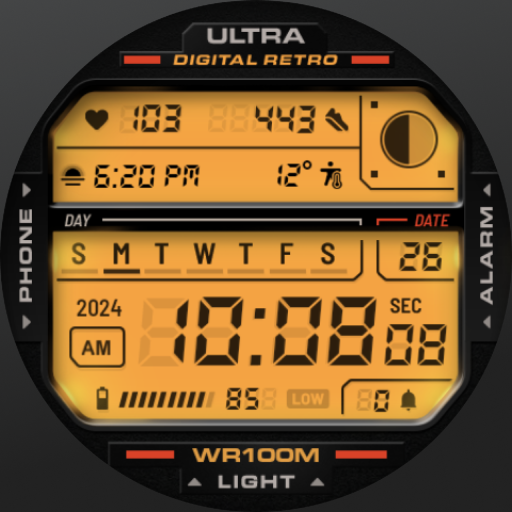  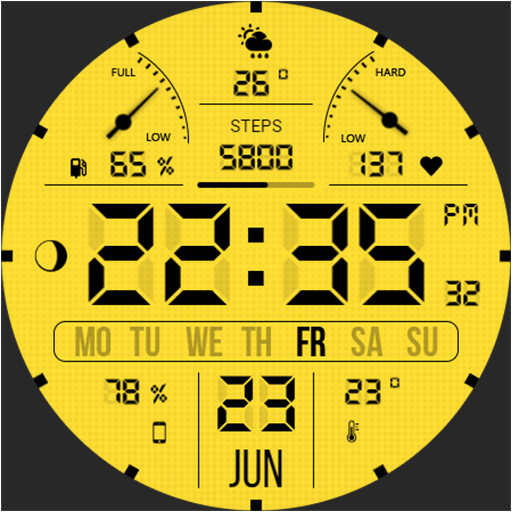   | ||
| pixel clockOpportunity | Not ranked | — | — |      | ||
| retro clockOpportunity | Not ranked | — | — |    | ||
| digital clock | Not ranked | — | — |      | ||
| pixel art clockOpportunity | Not ranked | — | — |     | ||
| cozy clockOpportunity | Not ranked | — | — |      | ||
| retro timerOpportunity | Not ranked | — | — |     | ||
| desktop clockOpportunity | Not ranked | — | — |   | ||
| pixel displayOpportunity | Not ranked | — | — |      | ||
| retro style clockOpportunity | Not ranked | — | — |   |
Competitors
Apps competing for the same keywords
No direct competitors found in keyword rankings.
Category Ranking
Entertainment chart position
FreeReels - Dramas & Reels

XScroll: scroll and have fun

ReelShort - Stream Drama & TV

Rips by Triumph

PineDrama - Short Dramas

Tubi: Free Movies & Live TV
DramaBox - Stream Drama Shorts
HotMiniDrama
Netflix

Loopit - Make Playables

HBO Max: Stream TV & Movies
Prime Video
Peacock TV: Stream TV & Movies
PlutoTV: Stream Free Movies/TV
Paramount+
Improve your ratings and downloads to climb the category charts.
AI-Powered Analysis
Personalized insights generated by our AI
Retro Watch has an extremely low visibility score (3/100) with zero keyword rankings and no user reviews, indicating critical ASO gaps. Immediate focus should be on keyword optimization and building social proof to lift rankings and downloads.
All 10 target keywords (e.g., "pixel clock", "retro clock") have 0 rankings despite moderate traffic (40‑60 searches) and relatively low difficulty (34‑50). Optimize title, short description, and keyword field with these terms to start gaining impressions.
The app currently shows N/A rating and 0 reviews, which heavily impacts trust and ranking algorithms on Google Play. Implement an in‑app review prompt after key usage milestones to generate authentic 4‑5 star feedback.
Category (Entertainment) shows no rank, meaning the app is not appearing in any category charts. Improving keyword relevance and adding a compelling feature graphic can help the app surface in the Entertainment clock sub‑category.
Keywords such as "retro style clock" (difficulty 34) and "pixel art clock" (difficulty 36) have decent search volume. Target these in the title/short description and add them to the keyword list to capture low‑competition traffic.
The app’s quality score is 50%, indicating acceptable technical performance and asset usage. Leverage this baseline by enhancing visual assets (screenshots, promo video) to improve conversion rates.
- 1Rewrite the app title and short description to include high‑traffic, low‑difficulty keywords like "pixel clock" and "retro style clock".
- 2Add localized metadata (title, description, keywords) for top English‑speaking markets (US, UK, Canada, Australia).
- 3Implement an in‑app review prompt after 5 minutes of continuous use to collect at least 50 positive reviews within 30 days.
- 4Create 5 high‑resolution screenshots and a 15‑second promo video showcasing the pixel art UI and background music.
- 5Launch a Google Play A/B test on the new title/description and monitor keyword ranking changes weekly.
ASO Insights
Actionable recommendations to improve your visibility
Recently updated
Your app was updated recently, signaling active maintenance to users and stores.
Low keyword visibility
Not ranking in top 50 for generic keywords. Consider optimizing title and description with relevant search terms.
Improve visibility
Score of 3/100 suggests room for ASO optimization. Focus on keywords and category ranking.
Not in category top charts
Improving ratings and downloads can help reach category top charts.
Track Retro Watch in real-time
This audit gives you a snapshot. With Applyra, you get continuous monitoring, competitor alerts, and AI-powered recommendations to grow your app.
No credit card required · Cancel anytime
Audit FAQ
Common questions about this ASO audit.
What is the ASO visibility score of Retro Watch?
Retro Watch has a visibility score of 3 out of 100 on the Google Play (US). The score combines keyword rankings, top charts presence, and listing quality signals like rating and update recency. This audit was generated on June 1, 2026.
On how many keywords does Retro Watch rank?
Retro Watch is tracked on 10 keywords in this audit. It currently ranks in the top 100 for 0 keywords, with 0 keywords reaching the top 10. Ranking in the top 10 is where most discovery traffic happens.
What category is Retro Watch in on the Google Play?
Retro Watch is listed in the Entertainment category on the Google Play.
How can Retro Watch improve its App Store Optimization?
Based on this audit, Retro Watch should focus on the keywords where it ranks 11 to 50 (closest to the top 10), benchmark its title and subtitle against the most frequent competitors, and refresh its listing regularly to maintain quality signals. The full audit lists specific weaknesses, opportunities, and AI-generated suggestions tailored to Retro Watch.
How was this ASO audit generated?
This audit was generated automatically by Applyra by scraping public Google Play data: app metadata, keyword rankings, category positions, and competitor listings. Visibility, keyword and listing quality scores are computed from those signals. Audits are free and do not require an Applyra account.