Every listing field has a limit, and almost every published table of those limits is wrong somewhere. Apple's own documentation still describes the iOS keyword field in bytes. It is not bytes. Both stores count UTF-16 code units, which is why an accented character costs one and an emoji costs two.
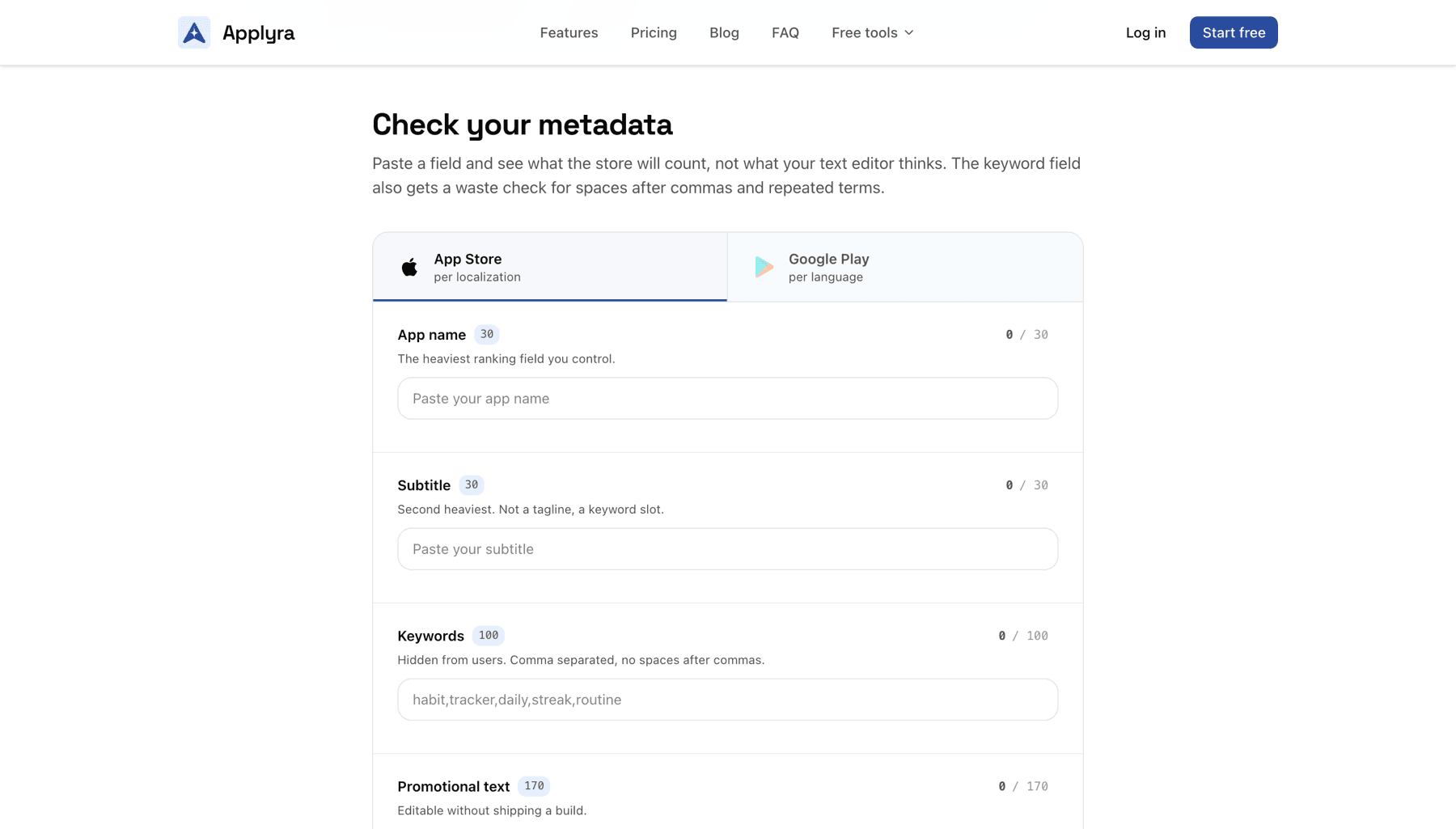
The counter does it properly. Pick a store and a field, paste your text, and it counts the way the validator you are about to face counts, in any language, including Japanese, Korean and Chinese where the difference is not academic.
It also documents what the guidelines get wrong. App Store Connect rejects emoji in every metadata field, whatever the guideline about them says, so the tool tells you before the review does.