The WWDC 2026 keynote is done, and the headline was the one everyone expected. Siri has been rebuilt around a custom Google Gemini model, with a chat mode and access to your personal context. What Apple did not spell out on stage is what this means for the apps Siri talks to. That part lives in the App Intents framework, and it is where an indie dev should spend an afternoon this summer.
The ASO press spent the spring claiming that any app without App Intents would be invisible to the new Siri. That framing is overstated, and worth correcting before you act on it. Your app still appears in App Store search and in Spotlight, and Siri can still open it by name. What you lose without App Intents is narrower and more important. Siri cannot act inside your app, and it cannot surface your features when a user asks for something your app does. With an assistant that now completes multi-step tasks, that is the gap that matters.
So treat this as a visibility and retention play, not a magic acquisition channel. App Intents is how an already-installed app stays useful, and how it gets pulled into a request instead of sitting on a home screen. Whether the new Siri also becomes a place where people discover apps they do not yet have is an open question the keynote did not answer. The good news is that the work is the same either way, and it is small.
What you'll learn
- Why App Intents is worth shipping now, and how it differs from old SiriKit
- The four pieces Siri and Spotlight actually read from your app
- The minimum App Intents implementation an indie should ship before iOS 27
- Where App Intent Domains and assistant schemas fit in (and where they do not)
- The commission question, and why it is not a reason to wait
Why App Intents is worth shipping now
App Intents has lived in Xcode since iOS 16. For most of its life it was a Shortcuts feature. Power users built complicated automations, the rest of the platform ignored it, and indie devs treated it as a backlog item that never moved up.
That changed in two stages. First, Apple expanded the surfaces that read intents: Spotlight, the Action Button, widgets, the lock screen, and starting in iOS 18, Apple Intelligence. Each addition was incremental. Together they turned App Intents into the canonical way for an iOS app to expose its capabilities to the system.
Then came the Siri reset. Reporting from TechCrunch and Bloomberg before the keynote said Apple had been working with a small set of third-party apps to prepare their intents for the new Siri. The keynote itself confirmed the assistant and its Gemini backbone, but left the developer detail for the Platforms State of the Union and the week's sessions. The direction is clear enough to act on. An assistant that completes tasks needs something to call into, and that something is your intents.
Here is the part to keep honest. When a user asks the new Siri to start a quiet meditation timer for tonight, the assistant is not running an App Store search and parsing your screenshots. It is asking the system which installed apps expose a matching intent, then routing the request. An app with no exposed intents has nothing to route to. That is why this is first about installed apps and the value they keep delivering, and only second, and only maybe, about discovery of new ones.
App Intents is not a replacement for the App Store keyword field. It is a parallel surface that sits inside the OS and matches user intent against capabilities, not against text in your subtitle. If you have spent the last year writing AI-friendly metadata for ChatGPT app recommendations, App Intents is the on-device equivalent, and it works in the opposite direction. Metadata gets you found in a store. Intents get you used by an assistant.
The four things Siri actually reads from your app
The framework looks complicated because Apple's documentation covers a dozen surfaces at once. The actual minimum is four pieces.
AppIntent. The unit of action. One Swift struct per thing your app can do: start a timer, open an entry, log a meal, search the catalog. Each intent has a localized title, aperform()method, and zero or more parameters.AppEntity. The unit of content. One struct per type of item your app cares about: a recipe, a habit, a project. Entities give Siri something to refer to, like opening the pasta carbonara recipe, and give Spotlight something to index.AppShortcutsProvider. The registration. One per app. It declares which intents are App Shortcuts, their trigger phrases, and the artwork. App Shortcuts are the intents that get surfaced automatically, with no user setup, in Spotlight and Siri the moment the app is installed.- Trigger phrases. Natural-language strings on each App Shortcut. Every phrase must include
\(.applicationName)so iOS substitutes the user-visible app name. Since iOS 17, the system also matches phrases that are similar to the ones you declared, on device, without sending the query to a server.
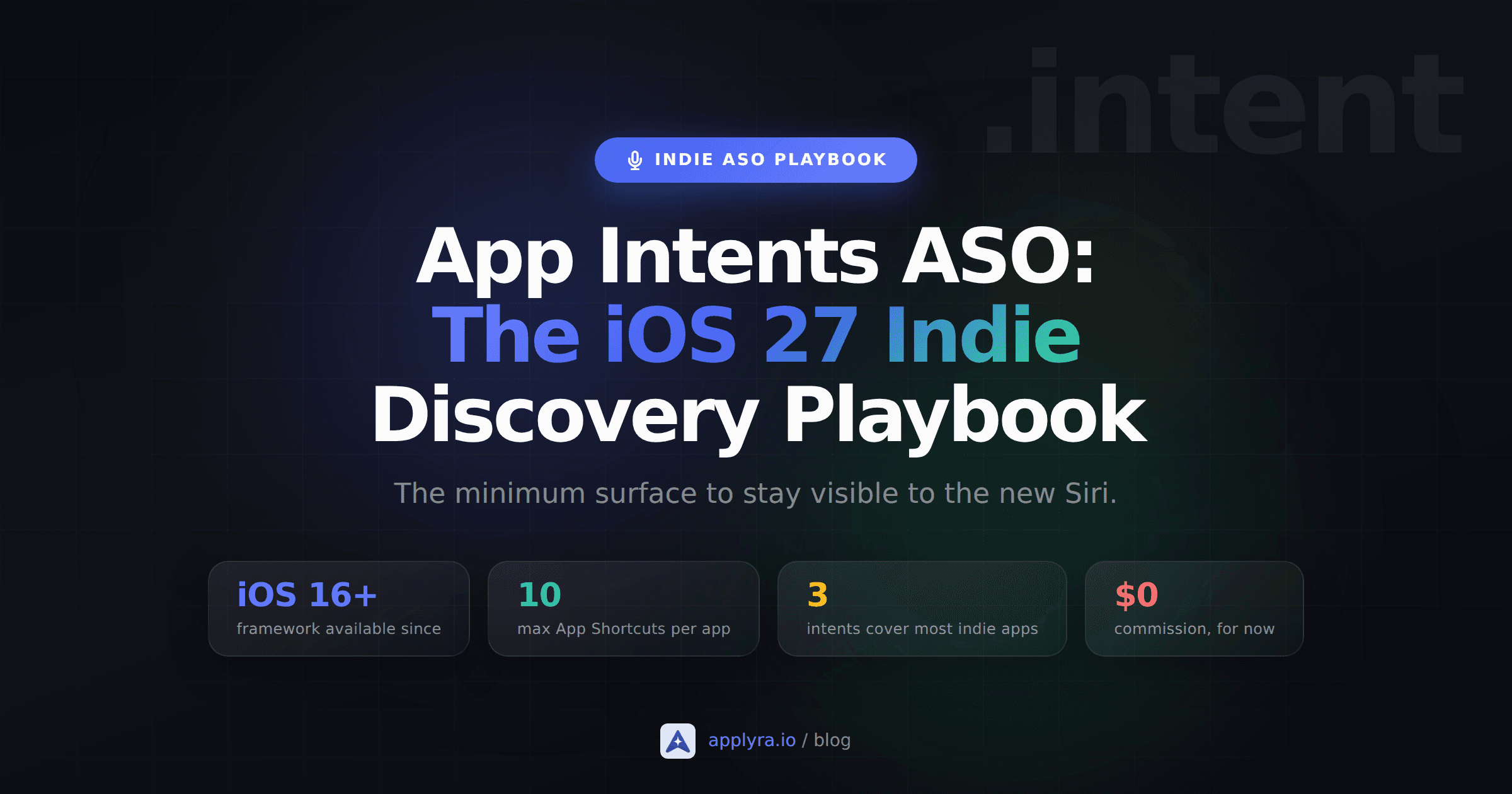
Apple's published limit is loose enough that an indie will not hit it. The maximum is 10 App Shortcuts per app. Most indie apps land between three and six and never come close.
What does not exist in this list is an App Store Connect tab. App Intents ship inside your binary. This surface is earned by what your code declares, not by what you type into a metadata field.
The minimum surface an indie should ship before iOS 27
Pick the smallest set that covers your app's reason to exist. For a journaling app, that is open today's entry, create entry, and search entries. For a habit tracker, it is log habit, view streak, and open habit. For a recipe app, open recipe and search recipes.
A workable starting set:
- One open intent. The user names a thing your app has, your app opens it. Spotlight will use this to deep-link search results into your app.
- One search or query intent. The user describes what they want, your app returns matching entities. This is the intent the new Siri leans on hardest, because it is how the assistant maps a vague request to specific content inside your app.
- One create intent if your app is a tool, not a viewer. Adding an entry, logging a session, starting a timer. Creation intents are what let Siri complete a task without bouncing the user into your UI.
Wire those three into a single AppShortcutsProvider with phrases that include \(.applicationName). That is the minimum.
struct DiaryShortcuts: AppShortcutsProvider {
  @AppShortcutsBuilder
  static var appShortcuts: [AppShortcut] {
    AppShortcut(
      intent: OpenTodayEntry(),
      phrases: ["Open today in \(.applicationName)"],
      shortTitle: "Today",
      systemImageName: "book"
    )
    AppShortcut(
      intent: SearchEntries(),
      phrases: ["Search \(.applicationName) for \(\.$query)"],
      shortTitle: "Search",
      systemImageName: "magnifyingglass"
    )
    AppShortcut(
      intent: CreateEntry(),
      phrases: ["Add an entry in \(.applicationName)"],
      shortTitle: "New entry",
      systemImageName: "square.and.pencil"
    )
  }
}
Note the shape. appShortcuts is a computed property built with the @AppShortcutsBuilder result builder, so the shortcuts are listed without commas between them. That is the form Apple documents, and the one that copy-pastes cleanly.
That code, in a real app, produces three things you can verify the same day:
- Today, Search and New entry rows appear under your app icon when a user types your app name in Spotlight.
- All three shortcuts are accepted as Siri voice triggers without any setup by the user.
- The intents show up automatically in the Shortcuts app, available to be chained into user-built automations.
The full code budget for the minimum is one provider, three intents, and one entity. A solo dev who has shipped before can land it inside an afternoon. The part that takes time is not the API, it is deciding which actions deserve a slot when you have ten and only need three.
Where App Intent Domains and assistant schemas fit
Apple's docs spend a lot of words on assistant schemas: @AssistantIntent, @AssistantEntity, @AssistantEnum. The short version is that schemas are Apple's typed contracts for specific domains, such as mail, photos, books, journal, presentations, spreadsheets and system. If your app fits one of those domains, conforming to the matching schema lets Apple Intelligence call your intents with stronger guarantees about what they accept and return.
For an indie app that fits a domain cleanly, the schemas are worth adopting. For everything else, the plain AppIntent protocol is fine and exposes you to the same Spotlight and Siri surfaces. Do not block your launch on whether your app fits a schema. Do block your launch on whether your app declares any App Shortcuts at all.
The assistant schemas are the part most likely to grow this week. Apple has been adding to the Bring your app to Apple Intelligence track since iOS 18, and richer entity types and new domains are the natural next step. Whatever ships in the sessions, the base API for an indie is unchanged: an intent in a provider with a phrase that includes the app name.
The commission fear, and why indies should ship anyway
The reason some larger third parties have hesitated is not technical. According to Bloomberg's reporting, Apple has told partners it will not charge a commission on Siri-completed actions in the early stages, while refusing to rule out a future fee. For companies that have spent years fighting the App Store cut, that non-denial reads as a structural signal. Worth repeating that this is reporting, not published terms, so weigh it as such.
For an indie, the calculus is different. The intents that help your app get surfaced and used are the read and discovery ones: open a recipe, search a catalog, view a streak. None of those carry money. If Apple eventually meters transactional intents, that decision lands on your purchase flow, not on the intent that helps Siri find your features in the first place. Holding back on read intents because of a hypothetical future fee on a different category of intent is a strict loss.
The honest tradeoff is review time, not commission risk. Each intent is a code path Apple's review can flag, especially if you ask for sensitive entitlements. Keep the first batch boring, ship one update with just the intents, and add domain-specific work in a later release. This is the same logic that applies to shipping Custom Product Pages without an ad budget or to defending your top keyword with In-App Events. Start with the lever that costs nothing, then layer the more expensive ones once the cheap one is paying off.
What to do this week
Three concrete steps for the week after the keynote:
- List the three actions a user performs in your app within ten seconds of opening it. Those are your first three App Intents.
- Add an
AppShortcutsProviderwith one phrase per intent and ship it on your next release. No new UI work required. - Watch the Bring your app to Apple Intelligence sessions and decide whether any domain schema applies to you. If yes, adopt it in the release after. If no, your minimum already covers Siri and Spotlight.
That is the iOS 27 prep an indie can actually do. The apps that the new Siri can surface and act on this fall are the ones that declared their intents this summer, not the ones that wait for a perfect API.
Frequently asked questions
What are App Intents and why do they matter for ASO in 2026?
App Intents is the Swift framework Apple uses to expose your app's actions and content to Siri, Spotlight, Shortcuts and Apple Intelligence. With iOS 27 turning Siri into an agentic assistant, App Intents stops being a power-user feature and becomes the way your app plugs into the assistant. It sits next to classic ASO rather than replacing it: keywords still drive App Store search, while App Intents drive whether Siri can surface and act on your features once your app is installed.
Does shipping App Intents really affect how my app shows up in Siri or Spotlight search?
Yes, for installed apps. App Shortcuts declared through an AppShortcutsProvider are automatically surfaced in Spotlight, in the Shortcuts app, and as Siri voice triggers. Apple has been expanding the surfaces that read these intents every year, and as of iOS 17 the system can match phrases that are similar but not identical to what you declared, on device. This is about being found and triggered among apps the user already has, not about ranking in App Store search.
How many App Intents should an indie app ship to be useful?
Three to five is usually enough. Apple caps App Shortcuts at 10 per app, and most indie apps cover their core flows with one open intent, one search or query intent, and one create intent. Start with the actions a user already does inside your app within ten seconds of opening it.
Will Apple charge a commission on Siri-driven actions later?
Reporting from Bloomberg before the keynote said Apple has told early partners it will not charge a commission on Siri-completed actions in the early stages, while declining to rule out a fee later. Treat that as reporting, not as published terms. For an indie shipping a paid app or a subscription, the realistic plan is to expose the discovery and read intents now, and treat any future transactional intent as a separate decision when Apple publishes its terms.
Can I add App Intents to an app written with UIKit instead of SwiftUI?
Yes. App Intents is a standalone framework that does not require SwiftUI. You can add it to a UIKit project, a Catalyst app, or a Mac app, and the same protocols and macros apply. The minimum target is iOS 16, and certain Siri and Apple Intelligence surfaces require iOS 18 or later.
How is App Intents different from SiriKit and the old Shortcuts framework?
App Intents is the modern, Swift-native replacement that Apple introduced in 2022 and has been building on every year since. SiriKit was a fixed catalog of domains designed for messaging, ride-hailing and a handful of other categories. App Intents lets any app define its own actions and entities, then plug them into Siri, Spotlight, Shortcuts, widgets, the Action Button and Apple Intelligence from a single declaration.
Ready to optimize your app?
Start tracking keywords and improving your app visibility on both stores - free, no credit card required.