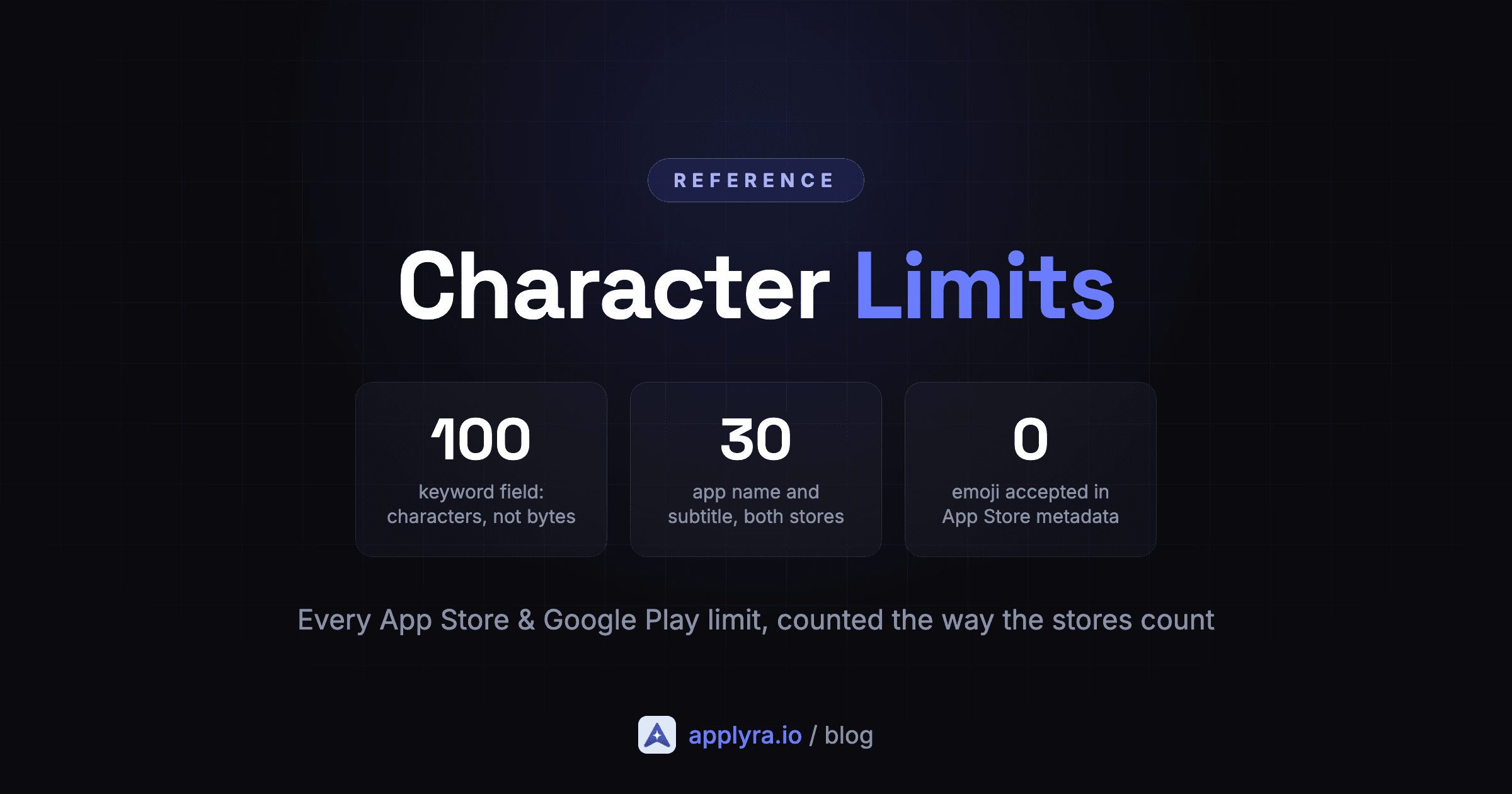
The numbers are the easy part. Any blog post will tell you the iOS keyword field holds 100 characters.
What almost nobody tells you is how the stores count, and that is where listings get stuck. An emoji costs two characters on Google Play and gets your field rejected outright on iOS. A description pasted out of Word can cost you one extra character per line. And if you draft metadata with an AI assistant, count it yourself: models are reliably wrong about their own character counts. And Apple's own documentation contradicts itself about whether the keyword field measures characters or bytes.
So here is the whole thing: every limit, and the counting rules that decide whether you actually fit.
The heaviest ranking field you control.
Second heaviest. Not a tagline, a keyword slot.
Hidden from users. Comma separated, no spaces after commas.
Editable without shipping a build.
Write it for humans. The first 3 lines are what people read.
Shown on the product page and the Updates tab.
Counted the way the stores count: in UTF-16 code units. Latin, Cyrillic, Arabic, Thai and CJK characters cost 1 each. Emoji cost 2 or more, where the store accepts them at all. Nothing you type here leaves your browser.
App Store limits
Every one of these is per localization. Add a locale and you get the whole budget again.
| Field | Limit | Indexed | What it is for |
|---|---|---|---|
| App name | 30 | Yes | The heaviest ranking field you control. |
| Subtitle | 30 | Yes | Second heaviest. Not a tagline, a keyword slot. |
| Keywords | 100 | Yes | Hidden from users. Comma separated, no spaces after commas. |
| Promotional text | 170 | No | Editable without shipping a build. |
| Description | 4000 | No | Write it for humans. The first 3 lines are what people read. |
| What's New | 4000 | No | Shown on the product page and the Updates tab. |
Look at the Indexed column before you spend effort. Your description buys you nothing in App Store search, so write it for people. Your subtitle does, which is why "Track. Plan. Grow." is 18 characters thrown away.
One caveat on the app name: 30 is the cap for anything you create today. Apple tightened it in 2017, down from 50, and grandfathered the older names. You will still find longer ones in the store, almost all of them first released before that change, so do not take one as proof that you can have one.
Knowing the limits is half of it. The other half is which field is worth spending, and we measured that against each app's own untouched keywords: the title is worth roughly 22 to 25 positions on iOS, the subtitle 6 to 10, the long description under one.
Google Play limits
Per language, and the metadata policy applies to every translation.
| Field | Limit | Indexed | What it is for |
|---|---|---|---|
| App name | 30 | Yes | The heaviest ranking field. Emoji and repeated symbols break policy here. |
| Short description | 80 | Yes | The first text users read on the listing. |
| Full description | 4000 | Yes | Unlike iOS, keywords in here count. Write them into real sentences. |
| What's new (release notes) | 500 | No | Per language, and every language is validated at once. |
The big difference from iOS: on Google Play the full description is indexed. Your keywords belong in it, written like prose. On iOS that same text buys you nothing in search.
One Google Play rule has nothing to do with length: the metadata policy bans emoji, emoticons and repeated special characters in your app name, your icon and your developer name. Descriptions are not covered. Apple is stricter than that, which gets its own section below.
How do the stores count characters?
Both stores count UTF-16 code units. Three rules cover every case you will meet:
- Any ordinary character costs 1, whatever the alphabet. Latin, Cyrillic, Greek, Arabic, Hebrew, Thai, Chinese, Japanese and Korean all count once each.
- Emoji cost 2 or more, because they sit outside the basic character range and get stored as a pair. Same for the fake bold letters people paste into Play Store titles.
- Spaces, commas and line breaks are characters. One each, every time.
Simple enough. The trouble is that two of the most repeated claims about these fields are wrong, and one of them comes from Apple.
Is the iOS keyword field 100 bytes or 100 characters?
100 characters. You will see "100 bytes" repeated everywhere, including in Apple's own documentation, and it is wrong. A Thai keyword field of exactly 100 characters is accepted, and Thai characters take 3 bytes each: on a byte limit that would have been rejected twice over.
If you localize, this is the difference between a full keyword field and a third of one.
This one costs you real keywords
Believe the byte version and you trim your Thai, Japanese, Korean, Greek and Russian keyword fields to about a third of what they hold. Non-Latin scripts are where those 100 characters go furthest, not least.
Do Chinese and Japanese characters count double?
No. Google is explicit that the limits apply to full-width and half-width characters alike, and Apple counts every script once per character too.
So 家計簿 costs 3 characters, not 9 bytes. A Japanese field fits several times more meaning than an English one: where English spends "expense tracker budget", Japanese says it in a handful of characters. If you localize, that is free room.
Are emoji allowed at all?
Not on the App Store. Paste one into any metadata field in App Store Connect and it turns red: "This field contains one or more invalid characters." It will not save, so the character budget never comes into play.
Apple's field validation is narrower than most people expect. Letters, digits, standard punctuation and the usual typographic symbols are fine: ©, ™, ®, bullets, arrows and curly quotes all pass. Emoji do not, in any field, in any language. You will read the opposite elsewhere, based on an App Review guideline about rendering Apple's emoji artwork. The submission form is what decides.
On Google Play, only your app name is off limits. The metadata policy bans emoji, emoticons and repeated special characters in the app name, the icon and the developer name. Your short and full descriptions accept them, and that is where the 2-character cost applies.
Short version: emoji belong in a Google Play description, and nowhere else.
How many characters does an emoji count as?
Two, usually, and sometimes a lot more. Your text editor and the store disagree about what you just typed, and the store wins.
| What you type | Looks like | Store counts |
|---|---|---|
| 😀 | 1 character | 2 |
| 🇬🇧 | 1 flag | 4 |
| 👍🏽 | 1 thumb | 4 |
| 👨👩👧👦 | 1 family | 11 |
e plus a combining acute accent (U+0301) | 1 letter, é | 2 |
A precomposed é (U+00E9) | 1 letter, é | 1 |
| ★ | 1 star | 1 |
The two é rows are worth a second look: same letter to your eye and to your reader, different price. Which one you get depends on your keyboard layout and on whether the text has been through a normalization step. Nobody notices on a description. On a 30-character subtitle it is the difference between fitting and being 1 over.
Where does this actually bite? Your Google Play short description, the one indexed field on either store that welcomes emoji. Spend one there and you have 78 characters left of 80, not 79. A family emoji leaves you 69, a quarter of your sentence gone to a single glyph.
The practical rule
Budget 2 characters per emoji, 4 for a flag or a skin tone, and 11 for a family. Then check the real number rather than trusting your editor, because editors count what you see and stores do not.
Line breaks, pasted text and trailing spaces
A newline is one character. Fine.
The trap is where the text comes from. Windows and Word end a line with a carriage return and a line feed, two characters. The stores store a single newline, so the count you get depends on whether the normalization has happened yet. A 40-line description pasted straight out of Word can look 40 characters longer than it will be once saved.
The counter above normalizes the way the stores do, and tells you when it found carriage returns so the discrepancy is not a mystery.
Trailing spaces are worth a look too. They count, and they are invisible. If you are 1 character over and cannot see why, check the end of the field.
The iOS keyword field has its own rules
100 characters, and it is the only field where formatting costs you space.
Apple splits your terms on commas and recombines the words itself. Which means:
- No spaces after commas.
habit,tracker,dailyandhabit, tracker, dailyindex identically, but the second wastes 2 characters. On a full field that is 8 or 9 characters, a whole extra keyword thrown away for nothing. - Never repeat a word. Apple combines terms, so
habitandtrackeralready cover "habit tracker", "tracker habit" and "best habit tracker". Writing the phrase out again buys nothing and costs 6 characters. - Do not repeat words from your name or subtitle. Those are already indexed. The keyword field is for what is not in them.
- Skip single characters. They are not worth the space they take.
The counter flags the first two automatically and offers to strip the spaces for you.
100
keyword characters, not bytes
160
indexed characters per iOS locale
1
time a word counts, however often you repeat it
Limits are per locale, which is free keyword space
This is the part worth internalising. On iOS you get 30 name + 30 subtitle + 100 keywords of indexed metadata per localization. 160 characters each time.
Ship English (US) only and that is all you get. Add a localization and that locale's storefront gets its own 160.
The part most people miss: a storefront can index more than one of your localizations. In the US, Apple reads both English (US) and Spanish (Mexico), so filling the Spanish (Mexico) keyword field with more English terms doubles your keyword space for US search. You do not have to translate the app to do it, and nobody sees that field anyway.
One caveat, and it is the one people get wrong: this is per storefront. Adding Japanese wins you keywords in Japan, not in the United States.
It is the cheapest keyword expansion an indie has, and it is one of the 10 ASO mistakes indie developers make to skip it. Google Play works the same way, each language getting its own 30 + 80 + 4000.
Fitting the limit is the easy part
Every field above has a number. Hitting it is trivial. Choosing what goes in is the actual work, and a full field of terms you cannot rank for is worth exactly nothing.
For what it is worth, our data says how often a keyword is both winnable for a small app and searched enough to matter turns almost entirely on its length. About one App Store single word in five clears both bars. By three words it is one in forty. The State of ASO 2026 has the breakdown, by length and by store. So before you spend 100 characters, check what a term costs you to compete for: the keyword difficulty tool scores any keyword on both stores, free and without an account.
Then come back, count properly, and ship.
Ready to optimize your app?
Start tracking keywords and improving your app visibility on both stores - free, no credit card required.
Frequently asked questions
Is the App Store keyword field 100 characters or 100 bytes?
100 characters. Apple's App Store Connect help page says you can provide up to 100 bytes of content, and that wording does not match what the store accepts. A Thai keyword string of exactly 100 characters goes through even though it weighs 220 bytes in UTF-8, so on a byte limit it would have been rejected twice over. Apple's product page guidance gives the right number: 100 characters.
Can you use emoji in App Store and Google Play metadata?
Not on the App Store. App Store Connect rejects any metadata field containing an emoji with the error "this field contains one or more invalid characters", in every field and every language. Typographic symbols like ©, ™, bullets and arrows do pass. On Google Play emoji are banned in the app name, the icon and the developer name, and accepted in the short and full descriptions, where a simple emoji costs 2 characters, a country flag 4, and a family emoji 11.
Do Chinese, Japanese and Korean characters count as more than one character?
No. Google states that the limits apply to both full-width and half-width characters, and Apple counts each character once whatever the script. A Japanese word like 家計簿 costs 3 characters even though it takes 9 bytes in UTF-8, which gives CJK localizations several times more room per field than English.
Do spaces and line breaks count toward the character limit?
Yes, one character each. In the iOS keyword field the space after a comma is pure waste because Apple separates terms on the comma alone. Text pasted from Windows or Word carries a carriage return plus a line feed per break, but the stores normalize that to a single newline.
Are the character limits per app or per language?
Per localization on the App Store and per language on Google Play. Every locale you add gives you a fresh budget on every field, which is why localization is the cheapest keyword expansion available. On iOS each extra localization adds 160 indexed characters: 30 name, 30 subtitle, 100 keywords.
Can an iOS app name be longer than 30 characters?
Not for a new name. Apple capped app names at 30 characters in 2017, and older apps with longer names were grandfathered in. You will still find them in the store, but App Store Connect will not let you create or restore one today.
Ready to optimize your app?
Start tracking keywords and improving your app visibility on both stores - free, no credit card required.